How I applied for a free year of Claude
I did this today in about an hour. Below are the exact steps, the screens you will see, and the text you can copy. If you have a company, you can do it too.
Do you qualify?
- Your company was founded in the last 5 years, or raised money in the last 2.
- You don't need investors. Bootstrapped companies can apply.
- You have a website and an email on the same domain. A Gmail address won't work.
- Your company hasn't used Claude Team before. The free year is for new organizations only.
Already have a domain, email and website? Jump to step 4.
Get a domain
Buy a domain for your company at any registrar: Porkbun, Namecheap or Cloudflare. A .com usually costs around $10 a year. I used Porkbun.
Make an email on that domain
You don't need a new inbox. A free email forward sends everything for you@yourcompany.com to the Gmail you already use.
- In your registrar, open your domain's email settings and add a forward. Porkbun calls it Email Forwarding, Cloudflare calls it Email Routing.
- Send a test email to the new address and check that it reaches your Gmail.
Mine went to spam. Fix it before you apply, or Anthropic's reply can land there too. In Gmail, open search options, put your new address in To, click Create filter and tick Never send it to Spam.
Put up a one-page website
Reviewers open your site. One simple page is enough if it shows:
- What your product does, in one sentence.
- How it works, in 3 short steps.
- How it uses Claude.
- Your company's legal name at the bottom.
- A contact button that actually works.
Any simple builder works (Carrd, Framer), or free hosting like Cloudflare Pages. Keep it on the same domain as your email. I put mine on a subdomain: product.yourcompany.com.
Click every button before you apply. A button that goes nowhere makes the whole site look fake.
Create a Claude Console account
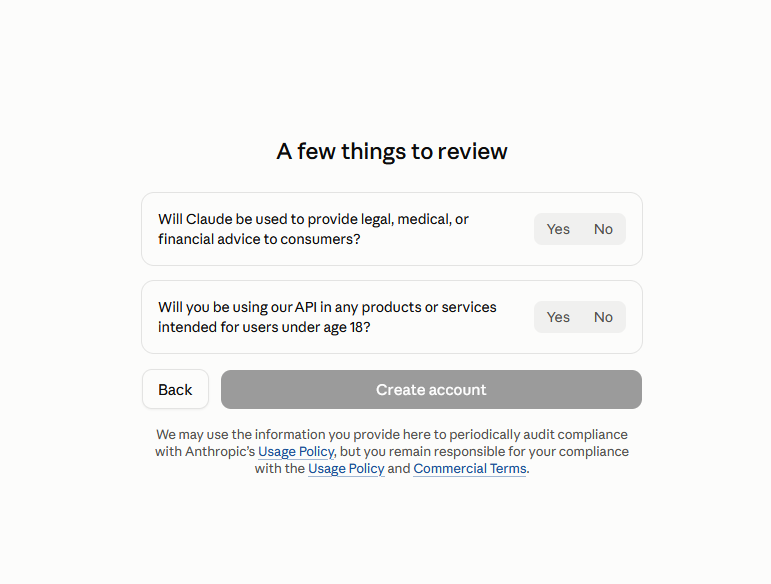
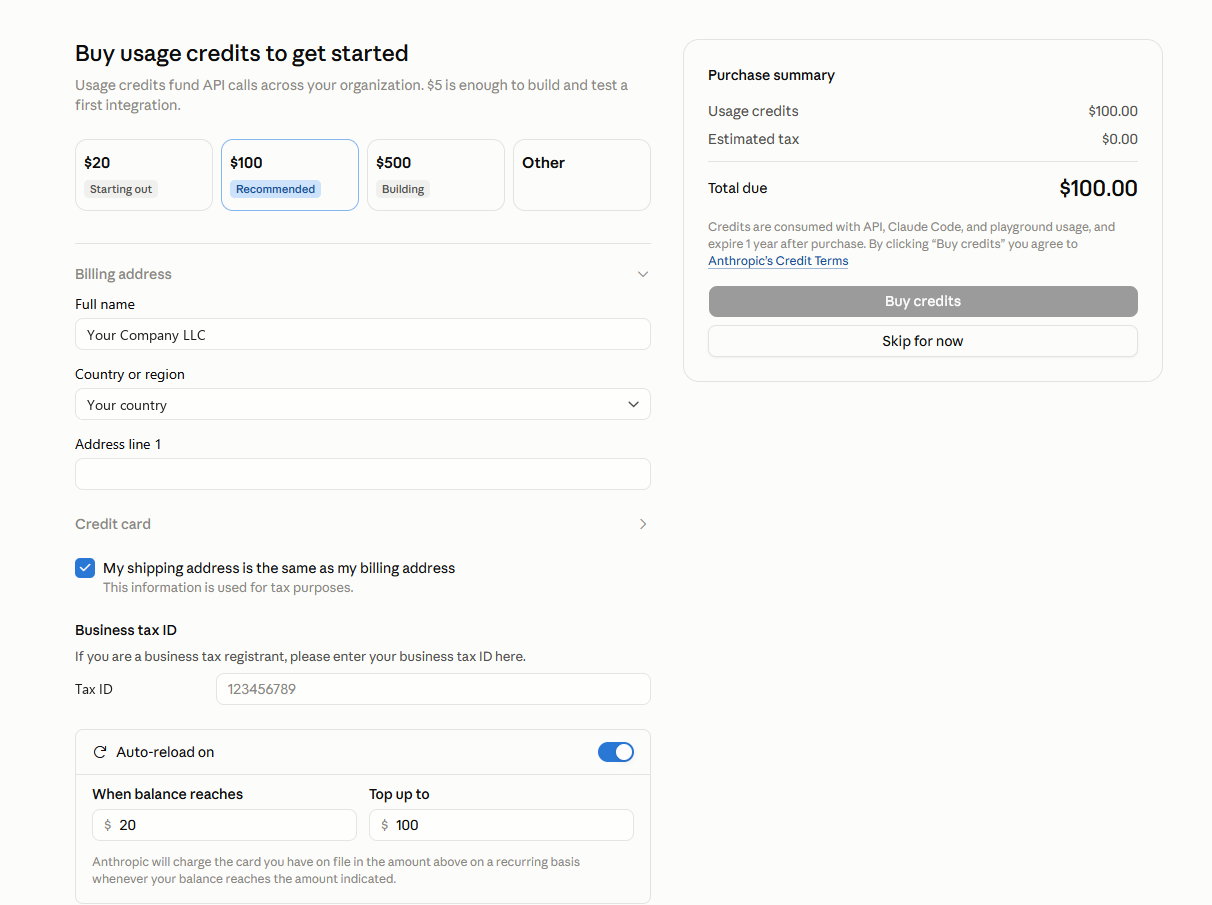
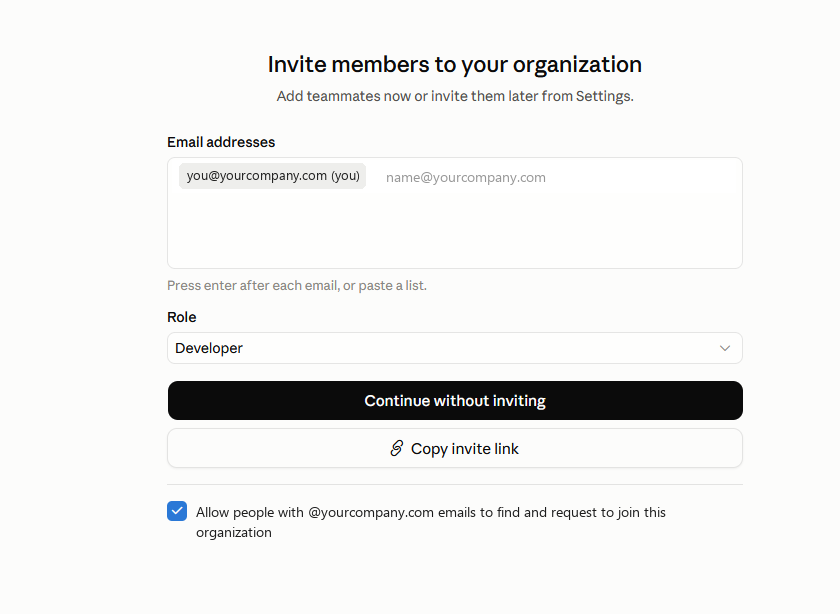
Sign up with your domain email, not Gmail. Then you go through six short screens. The yellow boxes show where to click.
Open Claude Console ↗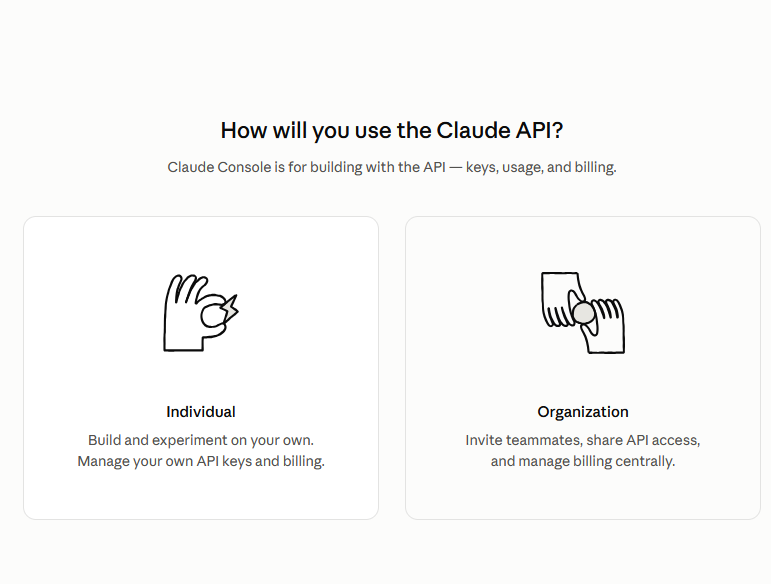
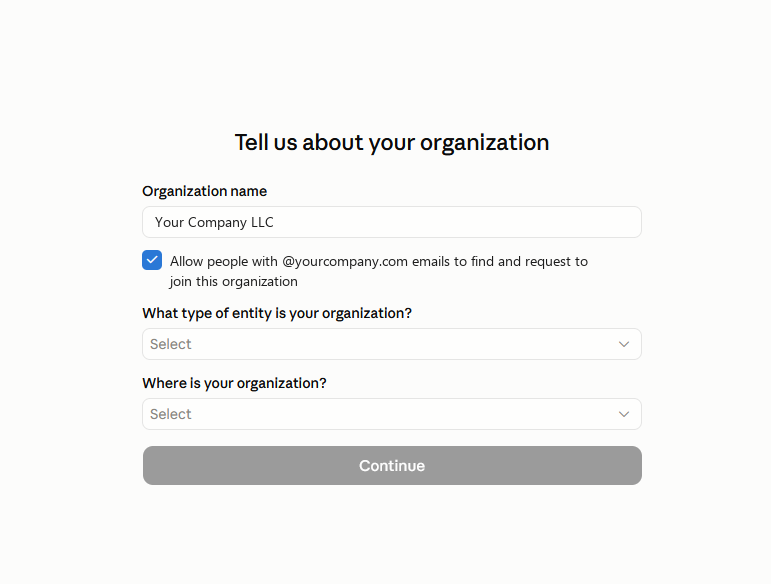
Entity type: the company / business option.
Where: the country your company is registered in, not where you live.
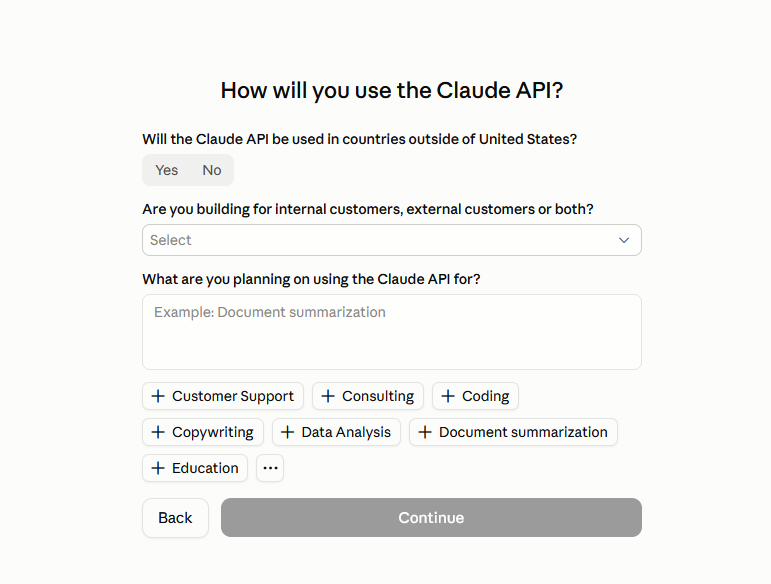
Customers: External customers if you sell to people outside your company.
What for: one or two sentences about your product.
Fill in the application
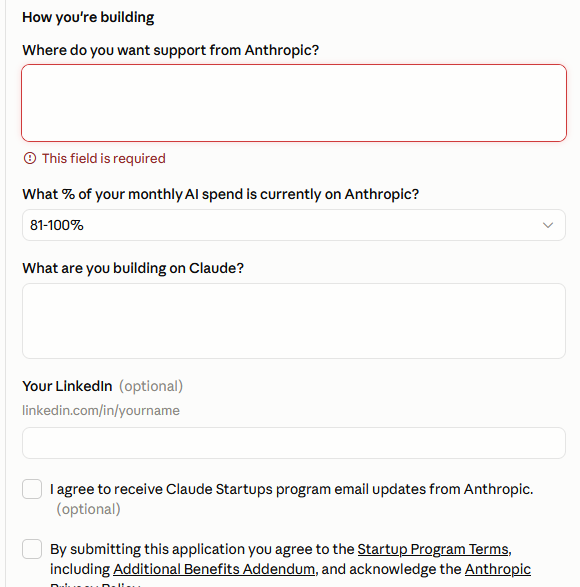
Stay signed in to Console and open the form:
Open the application ↗Edit the parts in [brackets]. The counter turns red when the length is outside 50 to 500.
Where do you want support from Anthropic?
What are you building on Claude?
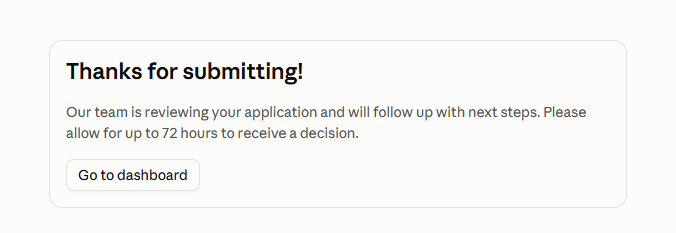
Wait for the answer